Export
Export processed data in Excel, CSV, or JSON formats
Overview
Ivandt includes built-in export functionality accessible from the review step. Users can download their processed data in three formats: Excel (XLSX), CSV, or JSON.
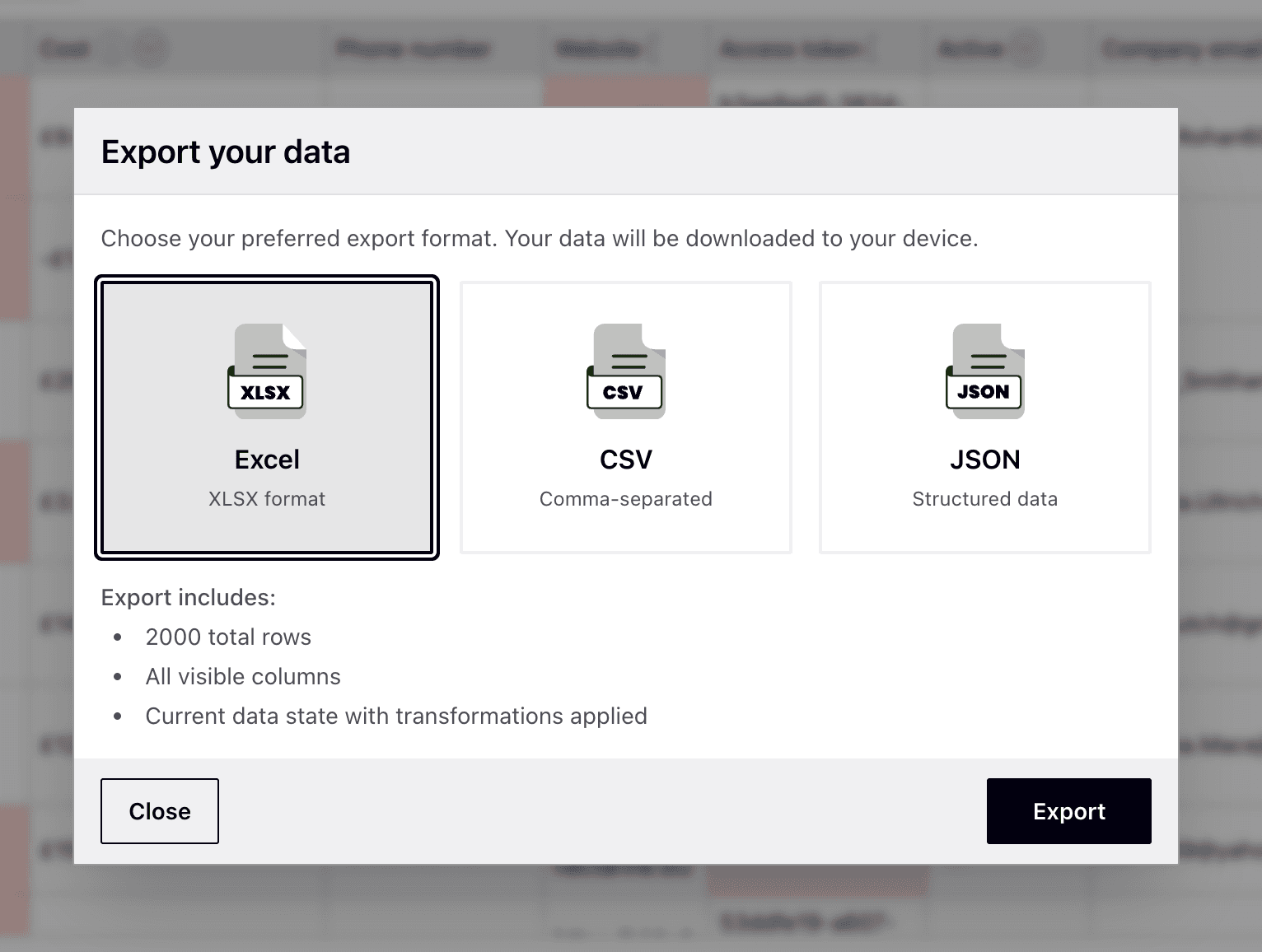
Export Formats
Excel (XLSX)
- Formatted workbook with column headers and preserved widths
- Tested with 300,000 rows × 10 columns
- Best for business users who need spreadsheet formatting
CSV
- Lightweight comma-separated format
- Tested with 500,000 rows × 10 columns
- Best for large datasets and data pipelines
JSON
- Structured data with metadata
- Tested with 500,000 rows × 10 columns
- Dropdown fields include both value and label (when schema has fields)
- Best for API integrations
Export Event Handler
The onExport event is triggered after export generation, before download. Use it to track analytics, log activity, or send data to your backend.
interface IvtSchema {
  eventHandlers?: {
    onExport?: (
      tableRows: ITableRowsInternal,
      meta: IMeta,
      cellErrors: ICellErrorWithMeta[]
    ) => Promise<void>;
  };
}
Example
const schema: IvtSchema = {
  fields: [/* ... */],
  eventHandlers: {
    onExport: async (tableRows, meta, cellErrors) => {
      // Track analytics
      await analytics.track('data_exported', {
        rowCount: tableRows.length,
        errorCount: cellErrors.length
      });

      // Send to backend
      await fetch('/api/exports', {
        method: 'POST',
        body: JSON.stringify({ tableRows, meta })
      });
    }
  }
};
JSON Export Structure
{
  "meta": {
    "exportedAt": "2024-01-15T10:30:00.000Z",
    "exportedBy": "Ivandt",
    "source": "https://ivandt.com",
    "counts": {
      "totalRows": 1000,
      "validRows": 950,
      "erroredRows": 50,
      "discardedRows": 0
    }
  },
  "data": [
    { "name": "John Doe", "email": "john@example.com" }
  ]
}